Cookie Scanning & Detection
Discover how to scan your website for cookies and understand the results.
Understanding Cookie Scans
Our cookie scanner crawls your website and detects all first-party and third-party cookies, tracking scripts, and local storage items. This comprehensive scan helps you understand your compliance requirements.
Deep Scanning
Scans up to 500+ pages to find all cookies across your site
Automatic Detection
Identifies cookie purpose and duration automatically
Running a Scan
Select Your Website
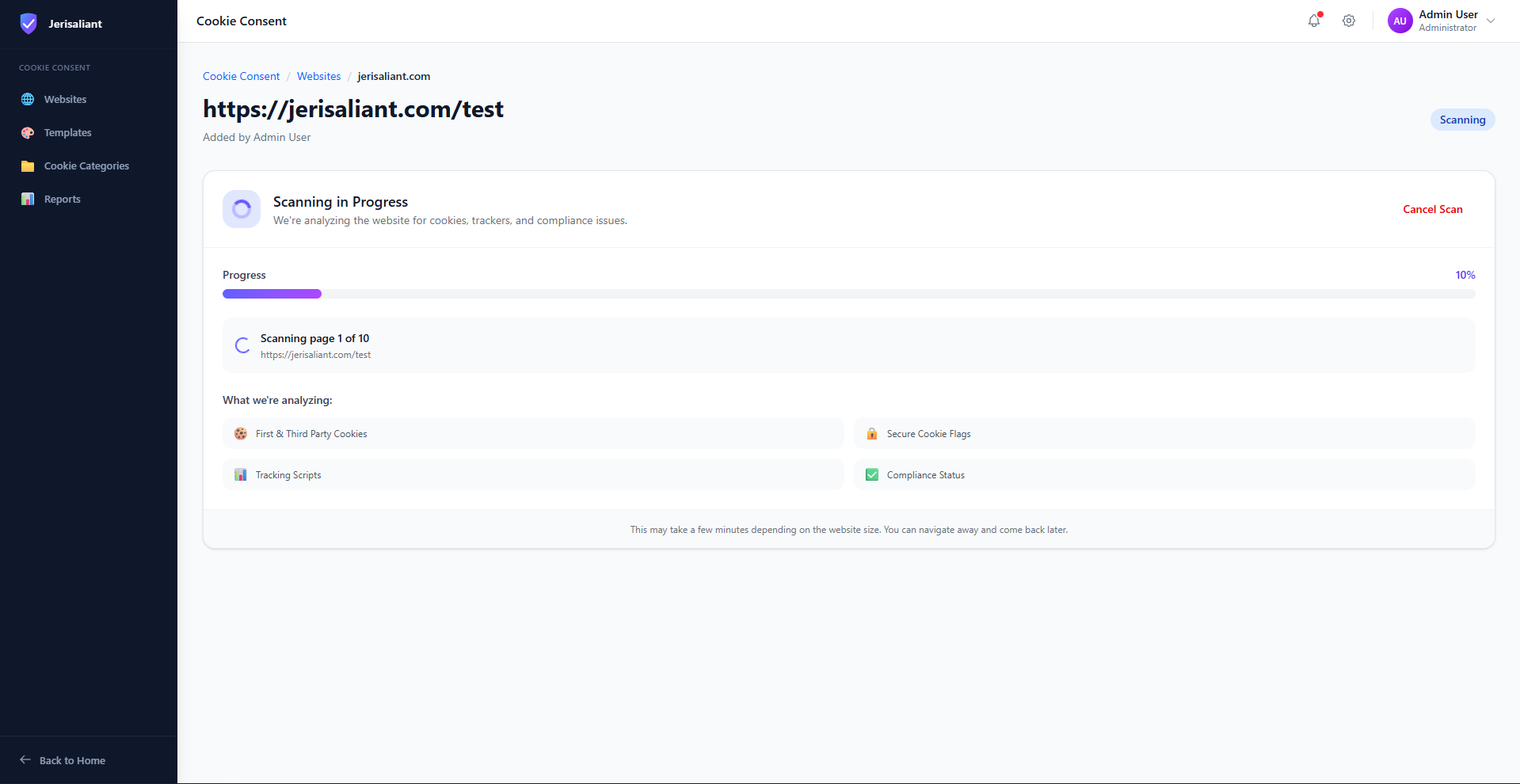
Click on the website you want to scan from the dashboard to open its detail view.
Website overview page
Screenshot placeholder
Review Current Status
The overview shows your current compliance grade, last scan date, and cookie distribution across categories.
Start New Scan
Click Scan Again to run a fresh scan. You can adjust the number of pages to scan based on your website size.
Understanding Scan Results
Cookie analysis results
Screenshot placeholder
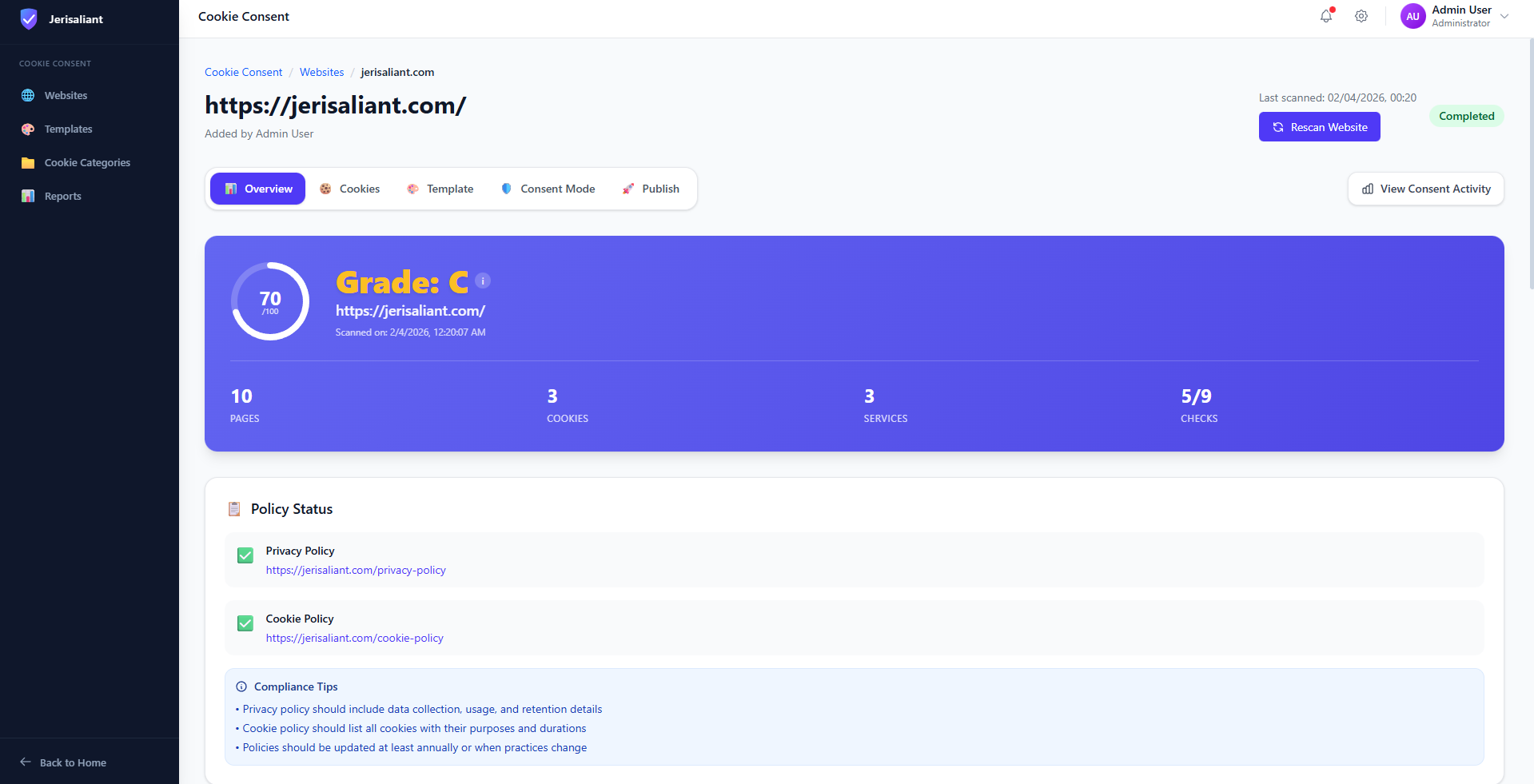
Compliance Grade Explained
Fully Compliant
Minor Issues
Needs Attention
Non-Compliant
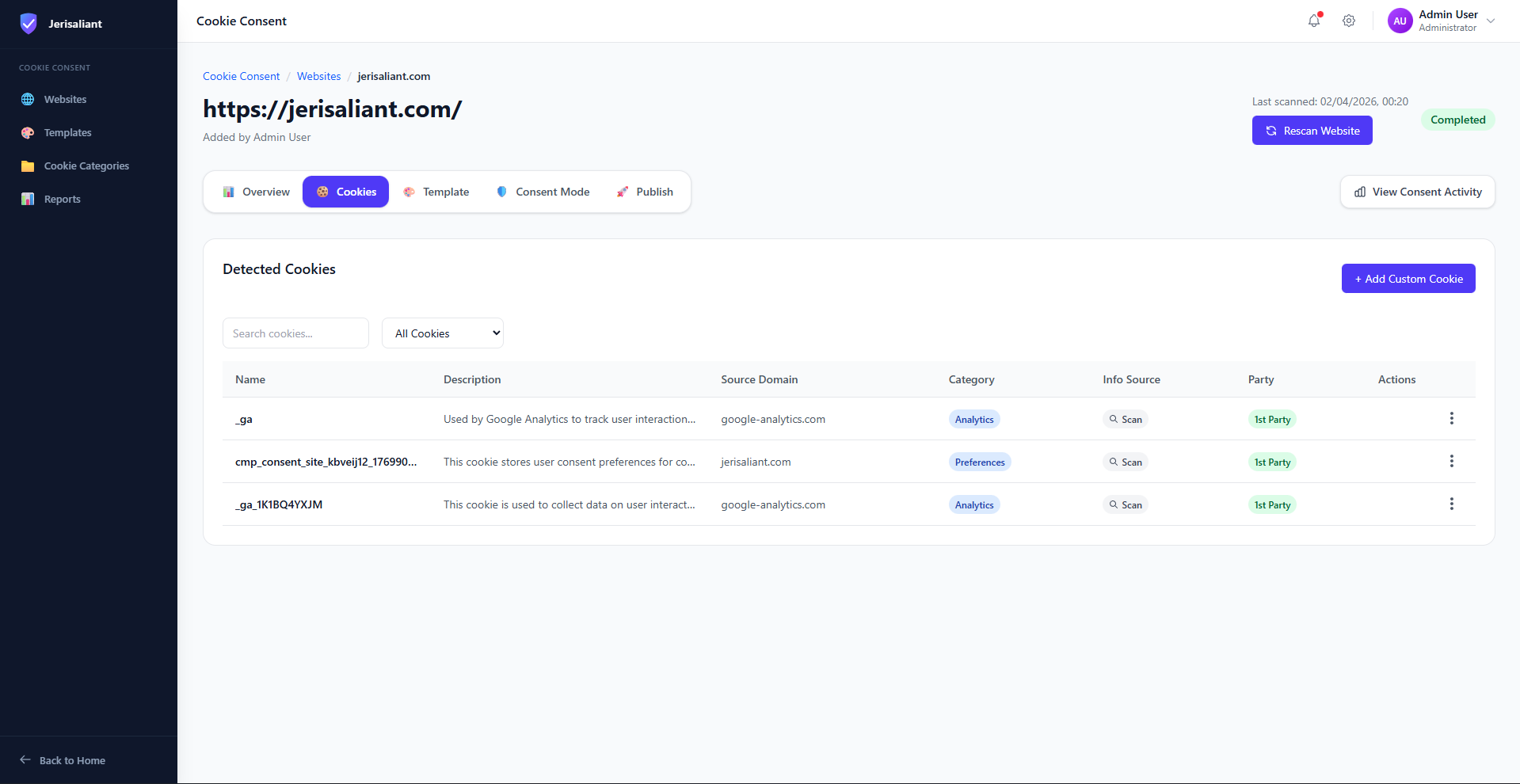
Detected Cookies List
After the scan completes, you'll see a detailed list of all detected cookies, including their name, domain, category, and duration.
List of detected cookies
Screenshot placeholder
Unknown Cookies
If some cookies are marked as "Unknown", you can manually categorize them. This is important for accurate consent collection.
Adding & Editing Cookies
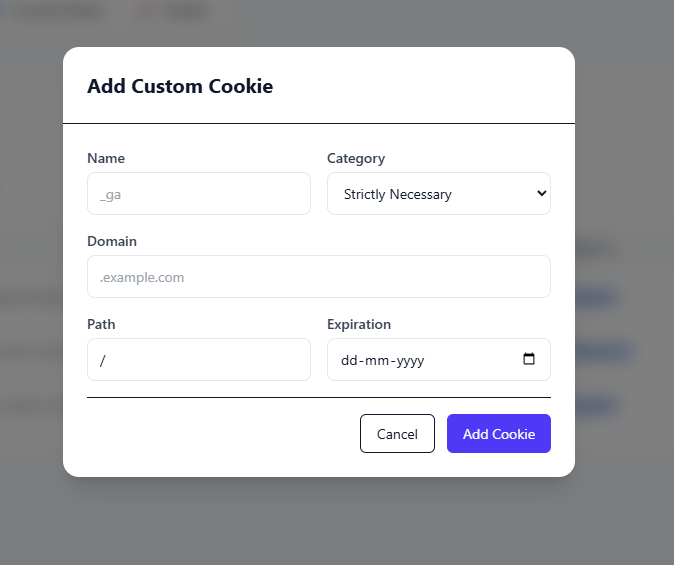
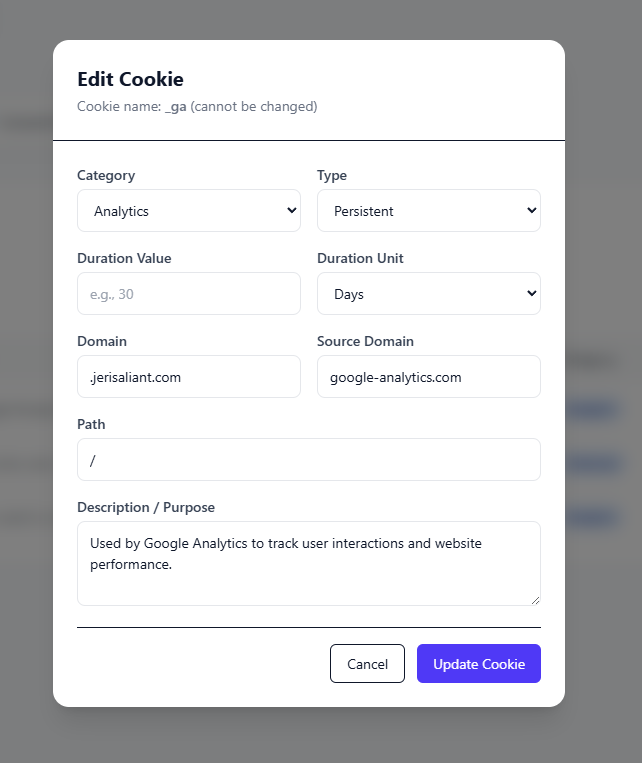
You can manually add cookies that weren't detected or edit existing cookie details for accuracy.
Add New Cookie
Add cookie modal
Screenshot placeholder
Edit Cookie
Edit cookie modal
Screenshot placeholder
Best Practices
- Run scans regularly (monthly) to catch new cookies from updated third-party scripts
- Scan more pages for larger websites to ensure comprehensive coverage
- Review and categorize any "Unknown" cookies immediately after scanning
- Set up automatic scheduled scans for hands-off compliance monitoring