Creating Assessments
Learn how to create and send DPIA assessments to vendors and third parties.
Assessments Overview
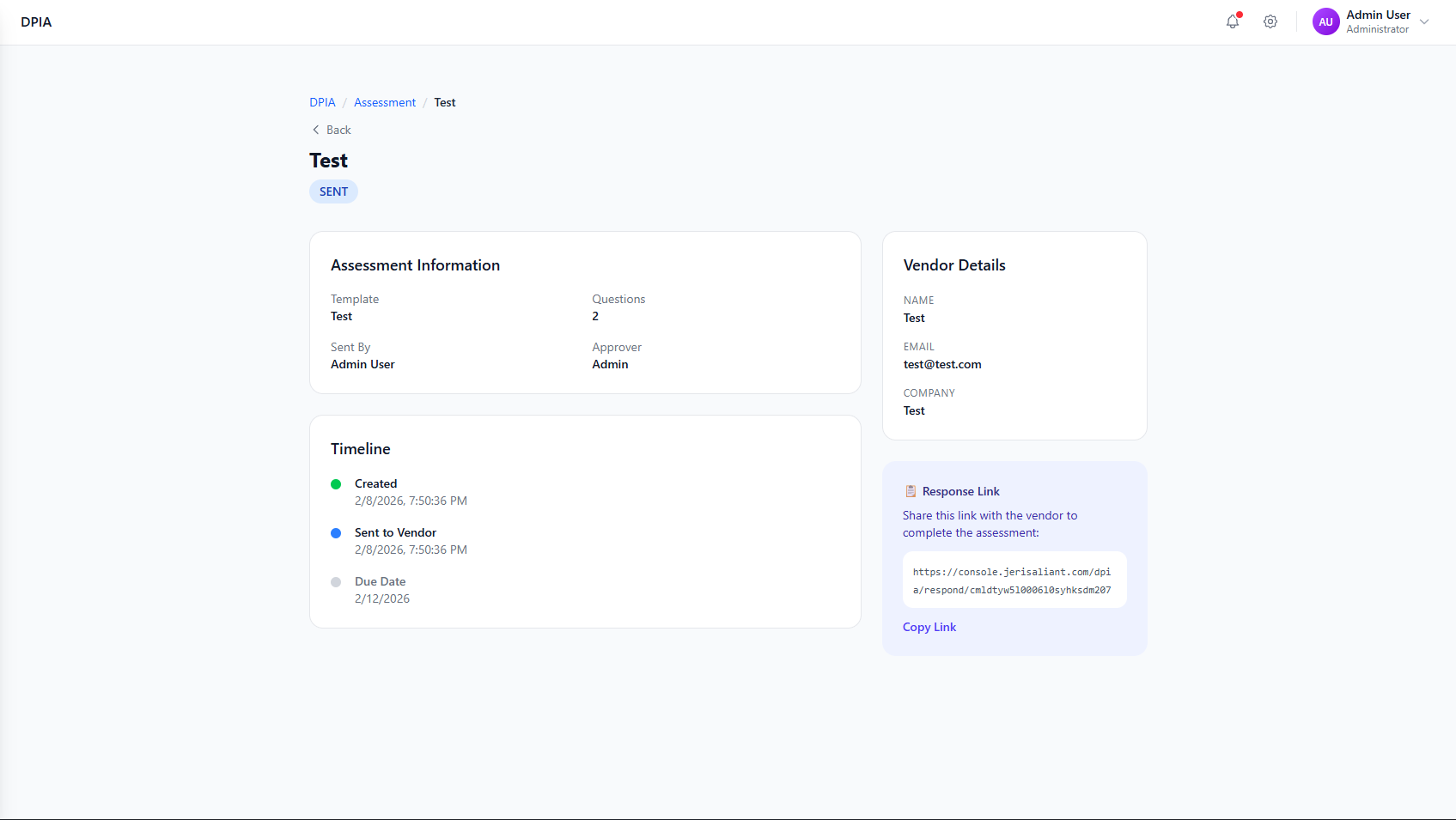
The Assessments tab shows all your DPIA assessments with their current status, vendor information, risk scores, and available actions.
DPIA Assessments list showing assessment name, organization, vendor, status, risk score, and actions
Screenshot placeholder
Creating a New Assessment
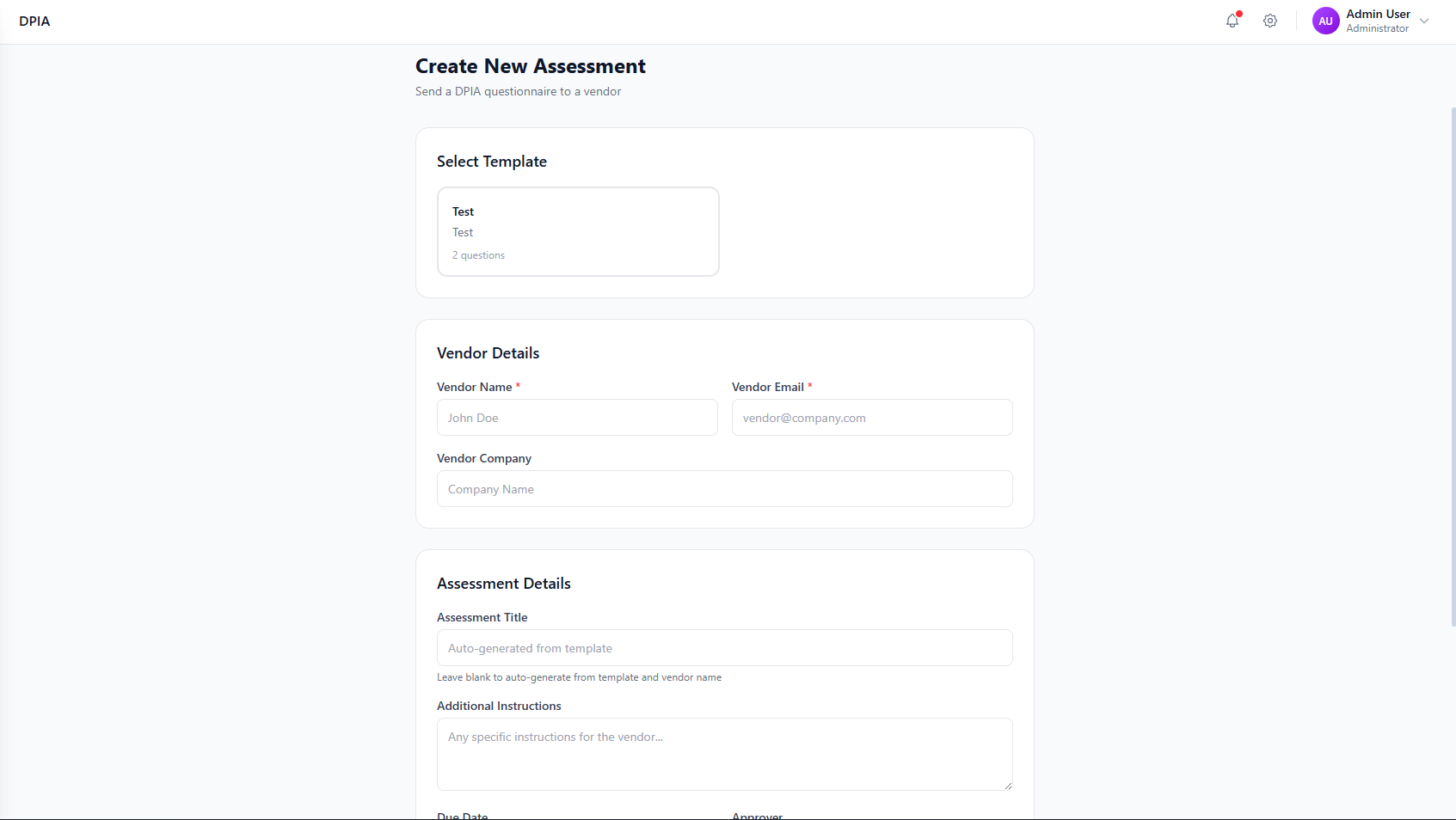
Click "+ New Assessment" to start creating a new vendor assessment.
Create New Assessment form showing template selection and vendor details
Screenshot placeholder
Step-by-Step Guide
Select Template
Choose the appropriate DPIA template for this vendor assessment. Templates are displayed as cards showing the name, description, and number of questions.
Enter Vendor Details
Fill in the vendor information:
Contact person name
Email for sending assessment
Company/organization name
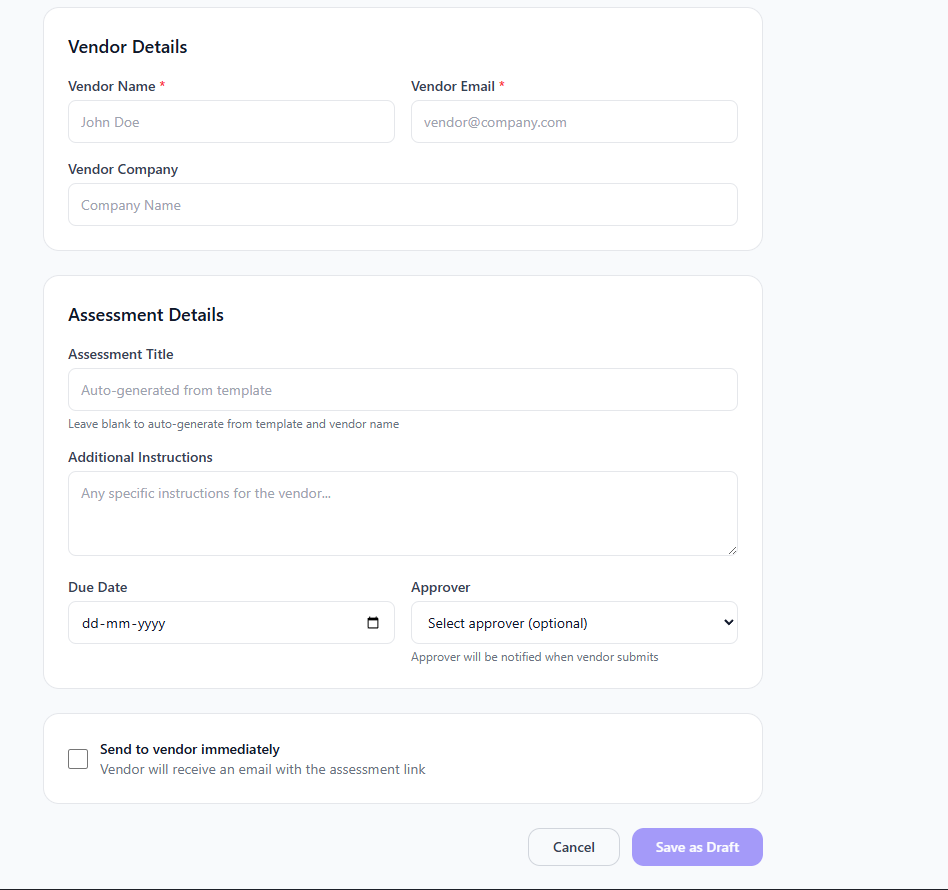
Assessment Details form with title, instructions, due date, and approver
Screenshot placeholder
Configure Assessment Details
Set additional assessment options:
Optional - auto-generated from template and vendor name if left blank
Any specific instructions for the vendor
Deadline for assessment completion
Select who will review and approve the assessment
Send or Save as Draft
Choose your action:
Send to vendor immediately
Check this option to email the assessment link to the vendor right away.
Save as Draft
Save the assessment without sending. You can send it later.
Assessment Status Workflow
Assessment created but not yet sent to vendor
Assessment email sent to vendor, awaiting response
Vendor has started but not completed the assessment
Vendor has completed and submitted the assessment
Assessment is being reviewed by approver
Assessment has been reviewed and approved
Assessment was rejected - may need re-assessment
Assessment Actions
Available actions depend on the assessment status:
View
View assessment details and vendor responses
When: Always available
Review
Review and approve/reject submitted assessments
When: When status is Submitted
Edit
Modify assessment details (draft only)
When: Draft status only
Resend
Send reminder email to vendor
When: Sent or In Progress